Co-browsing
Co-browse with your customers when they are stuck and guide them to a resolution with an in-person like experience. No meeting links, no downloads.


Co-Browsing
No back-and-forth, no screenshots. Watch your user’s screen live and guide them to the solution on the spot.
See what your users see in real-time and help them in the moment — no screen sharing, no setup, no friction.
Use OpenReplay self-hosted or in a dedicated cloud environment. Stay compliant and meet the strictest regulatory requirements.


Watch users browse your site in real time, and provide immediate support at critical moments.
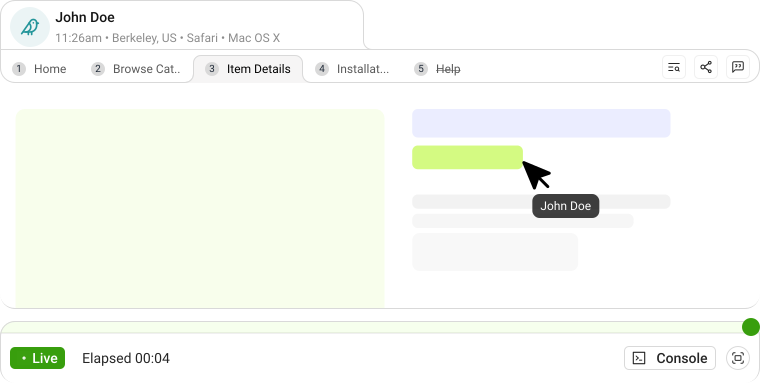
Launch a direct video call inside the session. No separate Zoom links or phone calls. The conversation happens right in the browser where the user already is.
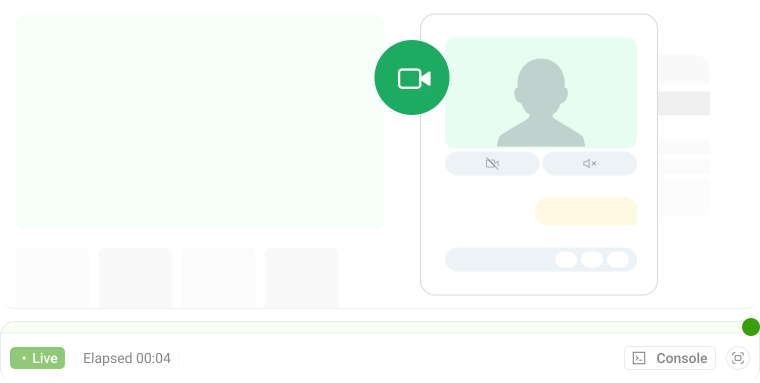
With proper consent, take control and show users exactly what to do. Click, scroll, or type for them to solve issues or demonstrate features.
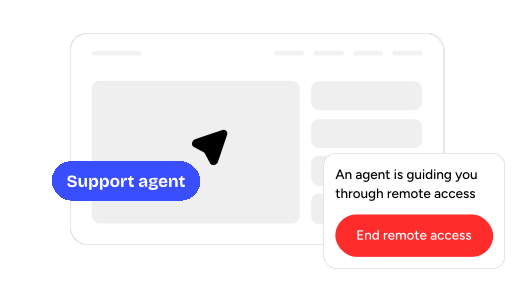
Draw directly on the user's screen to highlight important elements and guide attention to specific features.
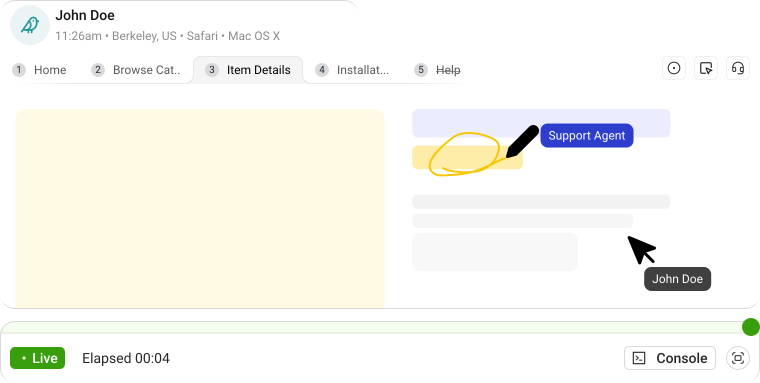
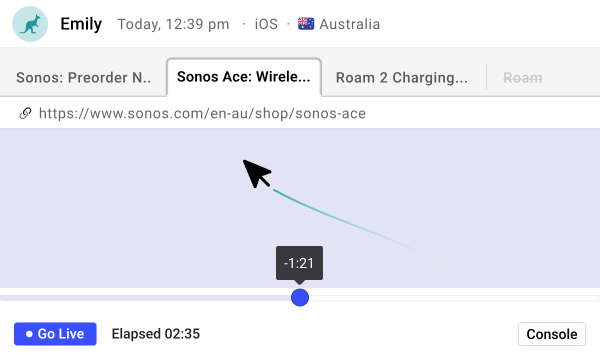
Jump back in time to see what led to the current situation. Review their actions, then return to live mode with context that would be impossible to get otherwise.
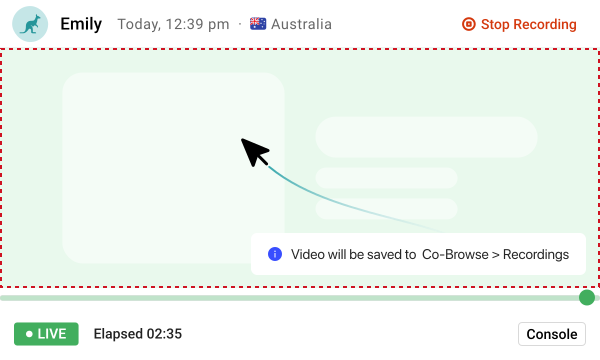
Record sessions to review later. These recordings become valuable training material and help identify common issues that might need product fixes.
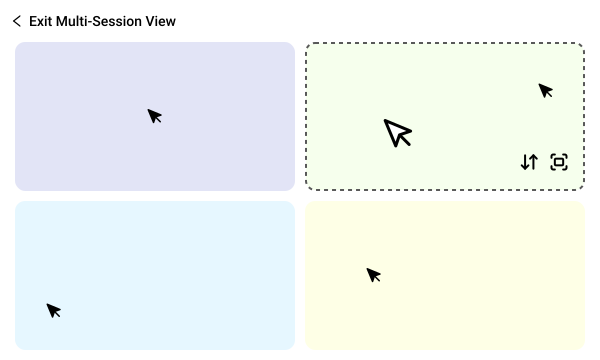
Monitor up to four live sessions simultaneously, maximizing your team’s efficiency.
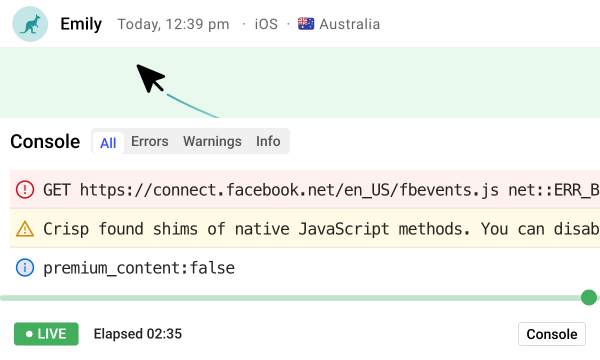
Access console data during live sessions to identify errors immediately, and troubleshoot with complete context.
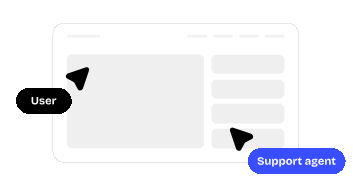
When new users hit friction, don’t wait for them to file a support request. Co-browse, call, and guide them live before they churn.
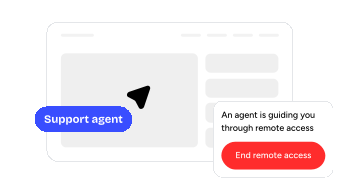
Support teams can jump into a session, annotate or take control, and support users all in one call. No follow-ups.
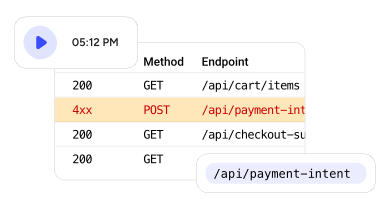
Debugging is exponentially easier when you can see console errors in context. Co-browsing eliminates the frustrating back-and-forth of traditional support tickets.
Co-browsing lets support agents see and interact with the user's session directly on your website — without needing any downloads, links, or third-party tools. Unlike screen sharing, it's limited to your app, more secure, and doesn't require the user to leave their browser.
Yes. Co-browsing features like remote control and annotations only activate with the user's explicit consent, ensuring privacy and transparency.
Recording is optional. You can choose to record co-browsing sessions for training, audit, or review purposes. Recordings are stored securely, especially if you're self-hosting.
Support teams use it to resolve issues faster. Product teams use it to guide users through complex flows. Customer success teams use it to offer high-touch onboarding or help enterprise clients directly.
You can monitor up to four live sessions at the same time, helping your team stay efficient and responsive during busy periods.
Yes. OpenReplay is self-hostable. You can deploy it on your infrastructure to keep full control over data and meet strict compliance requirements.
Absolutely. You can initiate video calls directly within a live session. No meeting links or extra software — everything runs inside your app.
Yes. You can see real-time console logs — including errors, warnings, and logs — while the user navigates your site, making it easy to identify technical issues.
OpenReplay supports live tabbed browsing, so you can follow users as they move across different pages or tabs within your application.

